
I Started Looking for a NAS. Then Things Got Out of Hand.
How a simple search for a home NAS slowly turned into a long-running engineering project with Raspberry Pi, RAID, custom hardware, 3D-printed parts, and many lessons learned along the way.
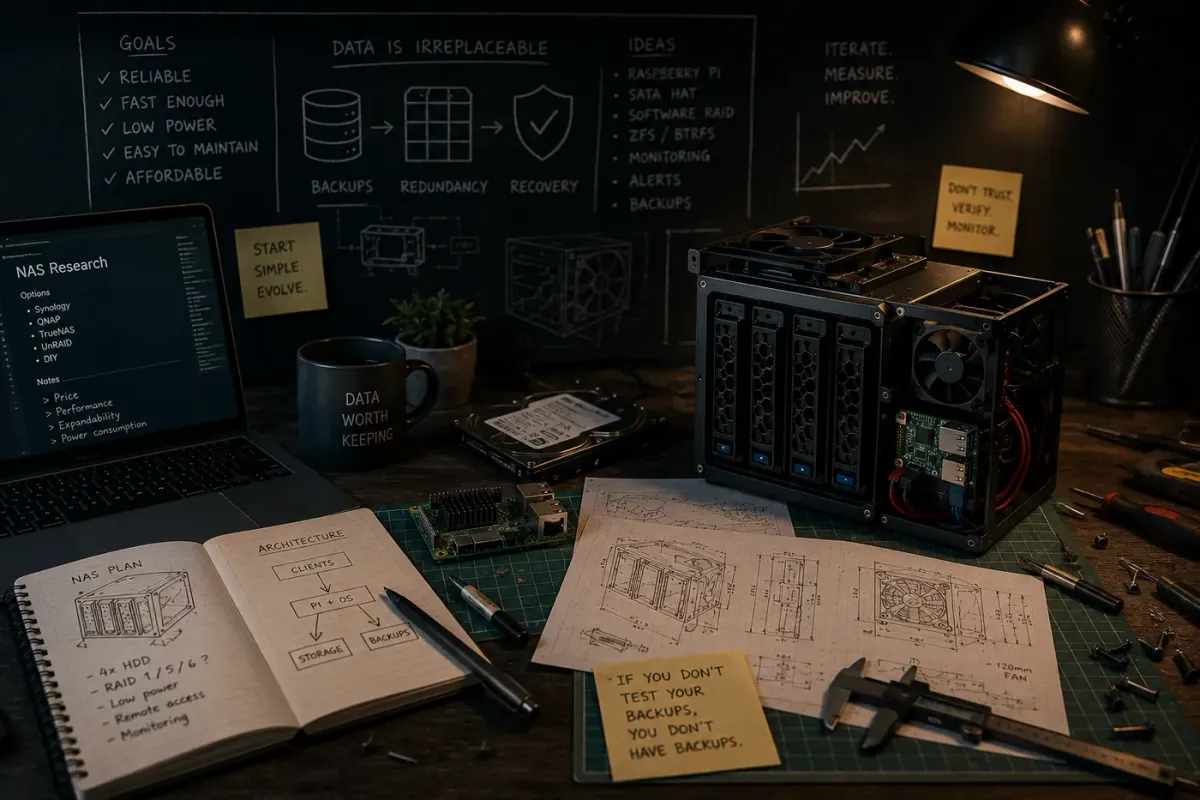
When people hear the word NAS, most imagine a Synology or QNAP box sitting somewhere in a closet, quietly storing photos and backups. Honestly, I started with the same idea. I needed a NAS. At least, that is what I thought.
At some point, data started accumulating at home: family photos, Home Assistant backups, Docker containers, service configurations, documents, projects, and various technical notes. The problem was not really the amount of data. The problem was that it was scattered across different devices, disks, and servers.
Everything worked until I had to find something, move something, or restore something. That was the moment I first started thinking that I needed a centralized storage system.
Market Research
Before buying hardware, I spent quite a lot of time looking into existing solutions. Many of my friends and colleagues had already used different NAS systems: Synology, QNAP, ready-made Chinese boxes, and various less-known devices. Almost everyone had their own story of compromises.
In some cases, the manufacturer stopped supporting the device earlier than expected. In others, updates became difficult. Some systems were too closed. In many cases, the user got a convenient box with disks, but was heavily limited in what could be done beyond the built-in features.
I wanted something different. I did not want to just store data. I wanted to understand how the system worked, be able to adapt it to my own needs, and avoid depending on a single vendor. The more I researched ready-made options, the more I started thinking that maybe I should build my own system instead.
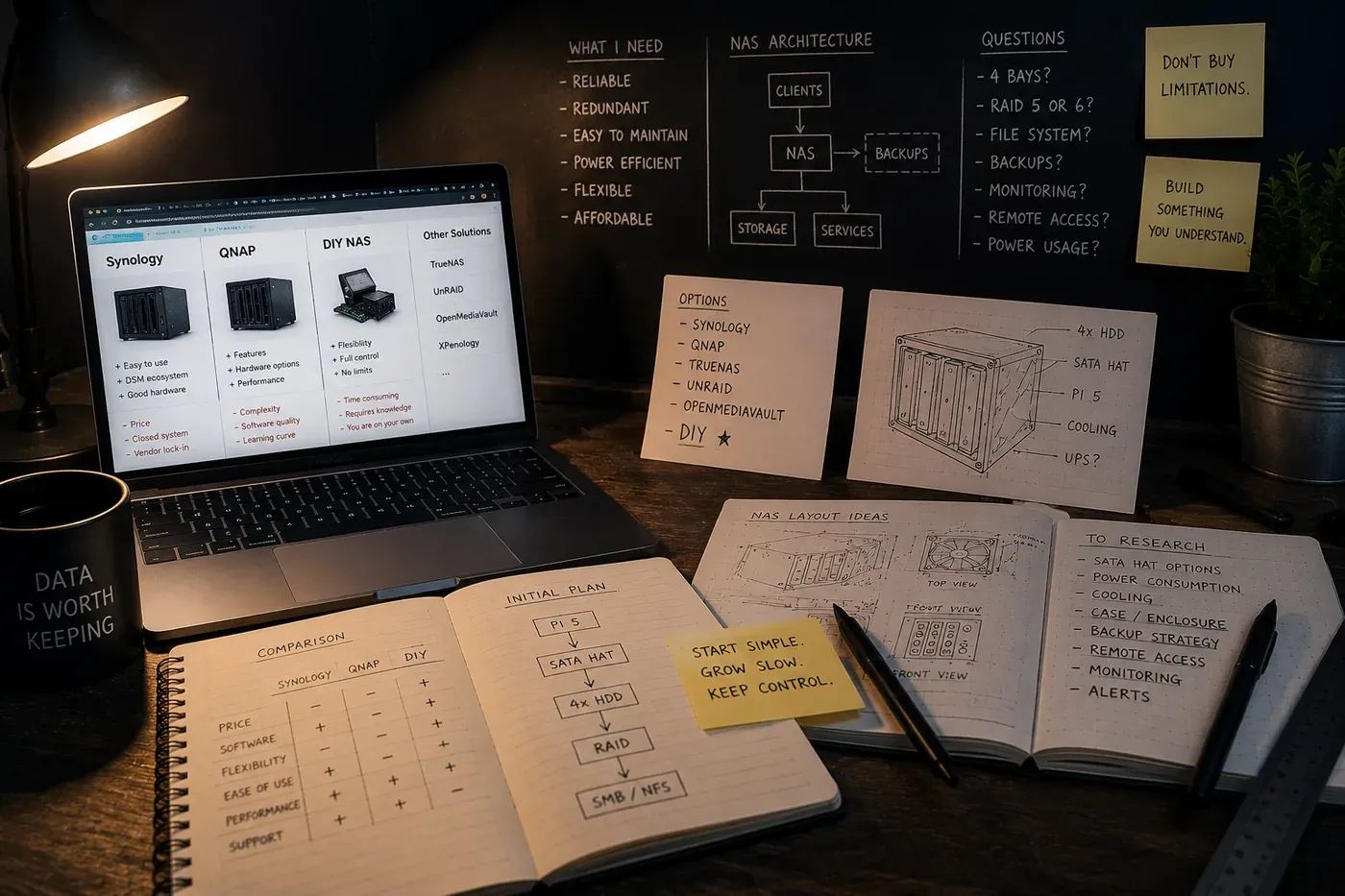
The First Raspberry Pi NAS
Like many home projects, it started with a Raspberry Pi. One of the first articles that pushed me to try the idea was a Raspberry Pi NAS project on Instructables. It was a simple and clear build that made it possible to quickly create a small network storage system and understand whether this approach was viable at all.
The first version was as simple as possible: one Raspberry Pi, one disk, minimal configuration, and a working NAS. At that stage, it was enough to get the first real experience.
But it quickly became clear that one disk was not enough. It was not even about capacity. The real problem was reliability. If everything important lives on a single disk, sooner or later you will have to deal with the consequences of that disk failing. That was when I started thinking about RAID and multi-drive storage.
From One Disk to a Real System
The next important step was looking for solutions with multiple drives. During that research, I found a four-bay Raspberry Pi 5 NAS project from The DIY Life. That project became one of the starting points for the next stage of my own system.
But pretty quickly I realized that I did not want to simply copy someone else's build. I used existing projects as sources of ideas and inspiration, then started adapting everything to my own needs.
Over time, I reworked the enclosure, cooling, component layout, drive connections, and software setup. At some point, the project stopped being a copy of someone else's article and became its own system.
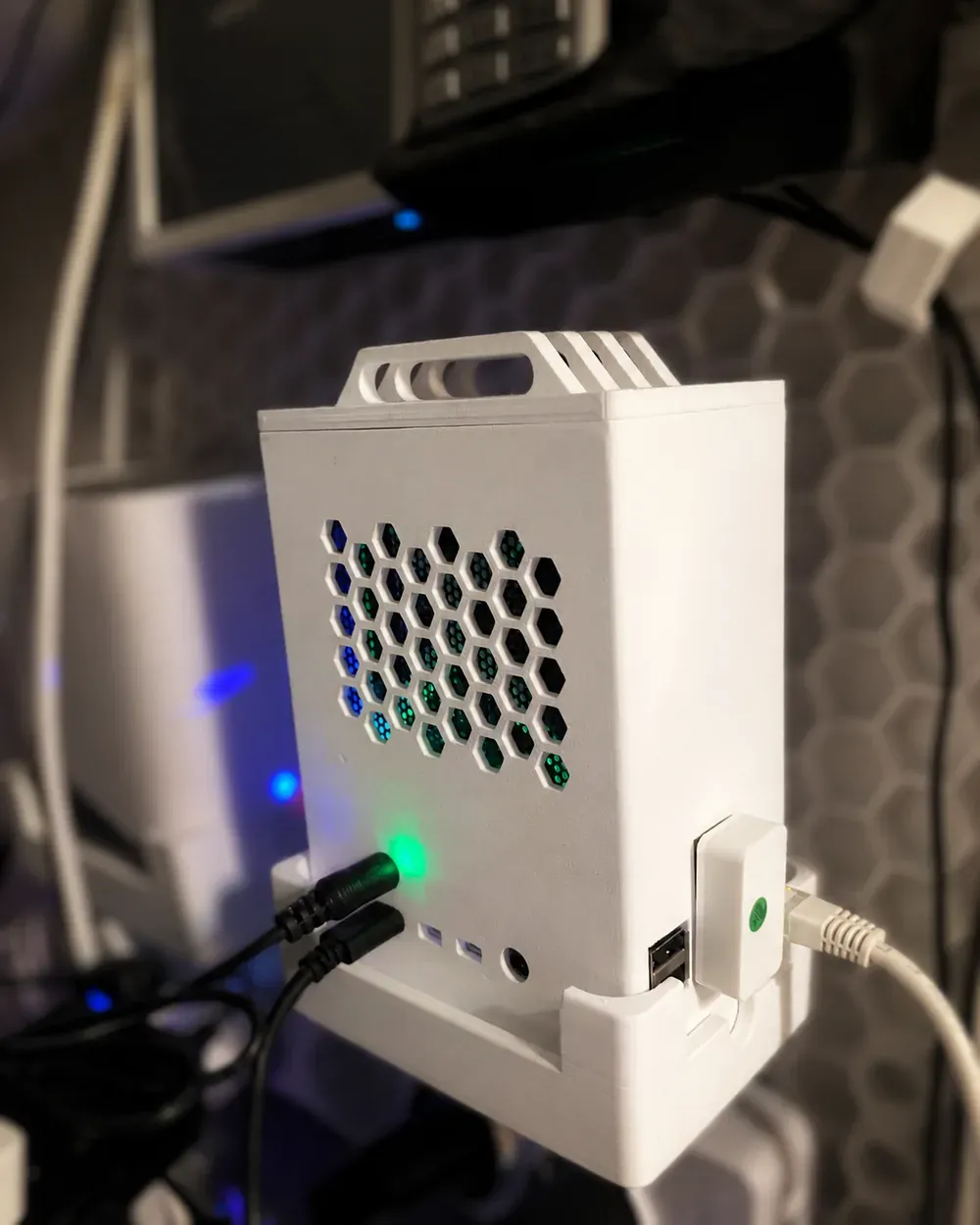
One of the real working NAS versions. Not the cleanest setup, not the final enclosure, but already something that was running and storing data.
OpenMediaVault and the First Wrong Assumption
Like many people building a home NAS, I started with OpenMediaVault. At first, it looked like the ideal solution: a convenient web interface, ready-made disk management, shared folders without manually editing configuration files, and plugin support.
After some time, though, I started to feel that OpenMediaVault was creating part of the problem. It felt like the system was consuming extra resources, making the configuration more complicated, and adding another abstraction layer between me and the actual state of the server.
So I decided to move away from it and switch to a clean Debian setup. Interestingly, I later discovered that many of the problems were not caused by OpenMediaVault at all. In some cases, I had simply interpreted the symptoms incorrectly.
But by that point, the migration had already happened. Looking back, I do not consider it a mistake. That was the moment when I started to really understand how the storage system worked internally, instead of treating it as yet another black box.
The Most Important Lesson
At the beginning of this project, I thought I was building a data storage system. After some time, I realized that I was actually building a data recovery system.
Those are very different things. Storing data is relatively easy. The harder part is making sure you can recover it after hardware failure, user error, or your own failed experiment.
That was the moment I started looking at NAS very differently. RAID stopped being a way to increase capacity and became one part of reliability. Backups stopped being secondary and became the foundation of the entire system. Monitoring stopped being an interesting toy and became a way to notice problems early.
Back then, I thought the hard part was choosing the right hardware and moving the data. As it turned out later, that was the easiest part of the whole project.
What's Next
This article is not really about hardware or configuration. It is more about how my understanding of a home NAS changed over time.
In the next part, I will show the current hardware implementation: Raspberry Pi, SATA HAT, RAID arrays, enclosure and cooling, 3D-printed components, the bill of materials, STL files for printing, and Autodesk Fusion 360 projects. I will also explain why the final design ended up looking the way it does.
Credits & Inspiration
No engineering system appears out of nowhere. A few projects helped me take the first steps and understand possible directions.
Raspberry Pi NAS (Instructables)
https://www.instructables.com/Raspberry-Pi-NAS/
This was the first article that pushed me to try building a NAS with a Raspberry Pi.
Raspberry Pi 5 4-Bay NAS (The DIY Life)
https://the-diy-life.com/i-built-a-4-bay-raspberry-pi-5-based-nas/
This project helped me better understand multi-drive architecture and the direction in which my own storage system could evolve.
The final solution ended up being very different, but both projects played an important role in the beginning of the journey.